Coin Roll Hunter
A downloadable game for Windows
Coin Roll Hunter is a calm collect-and-hunt sim built around "coin roll hunting" – searching through rolls of coins for the rare pieces.
The loop
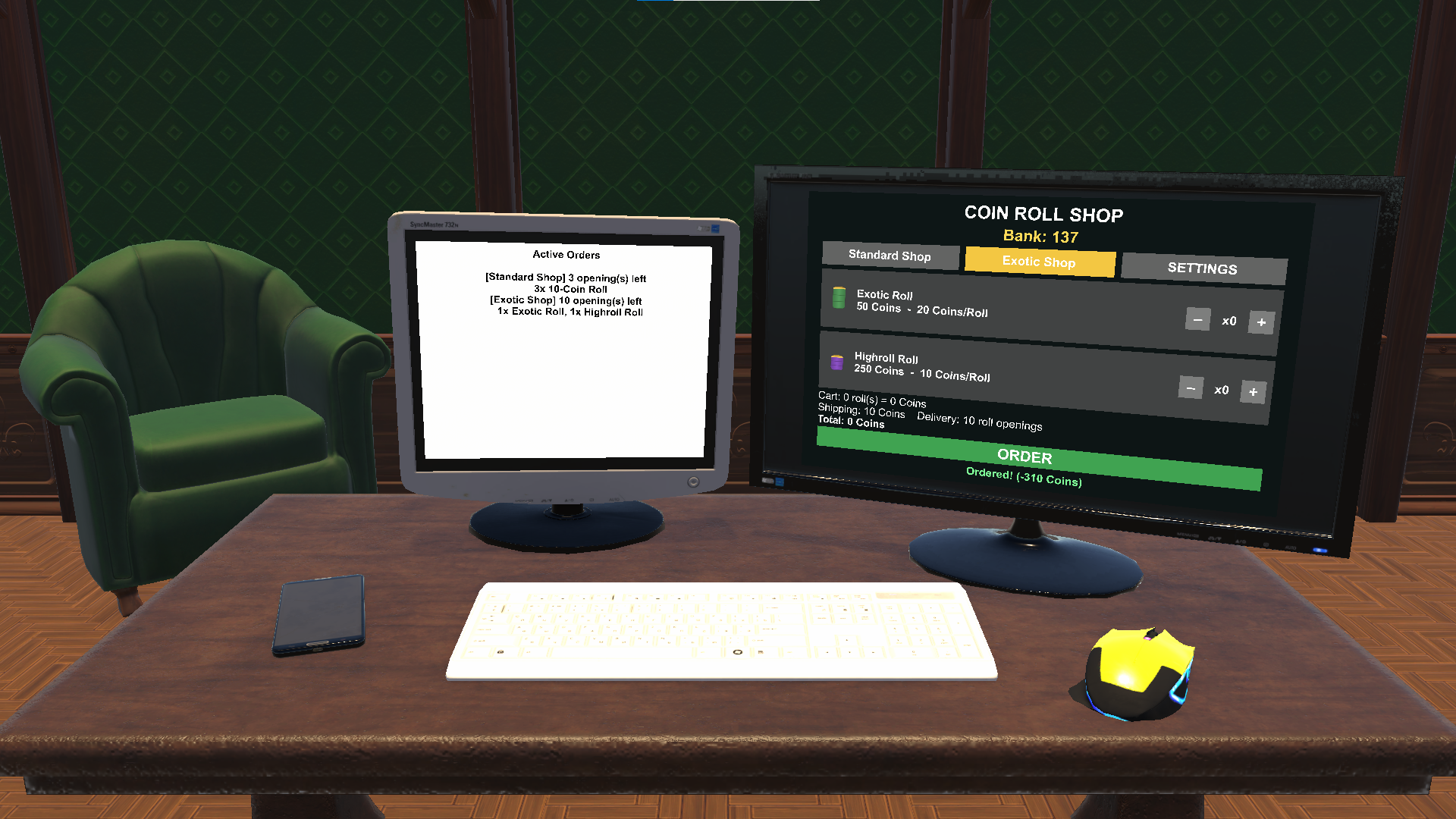
- Buy: Spend your bank balance in the shop on coin rolls.
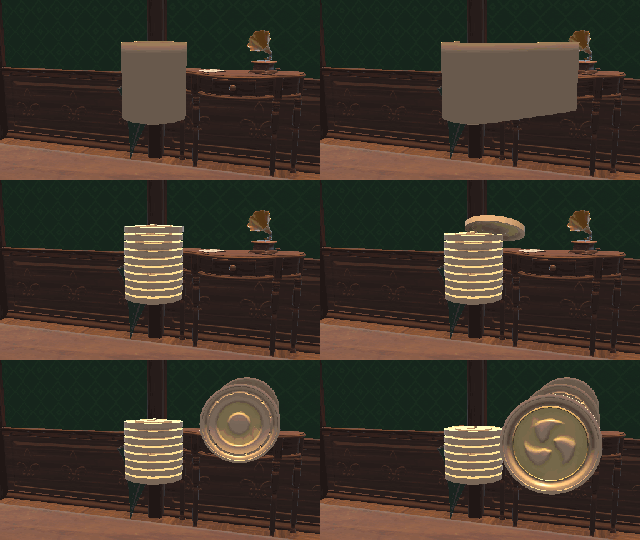
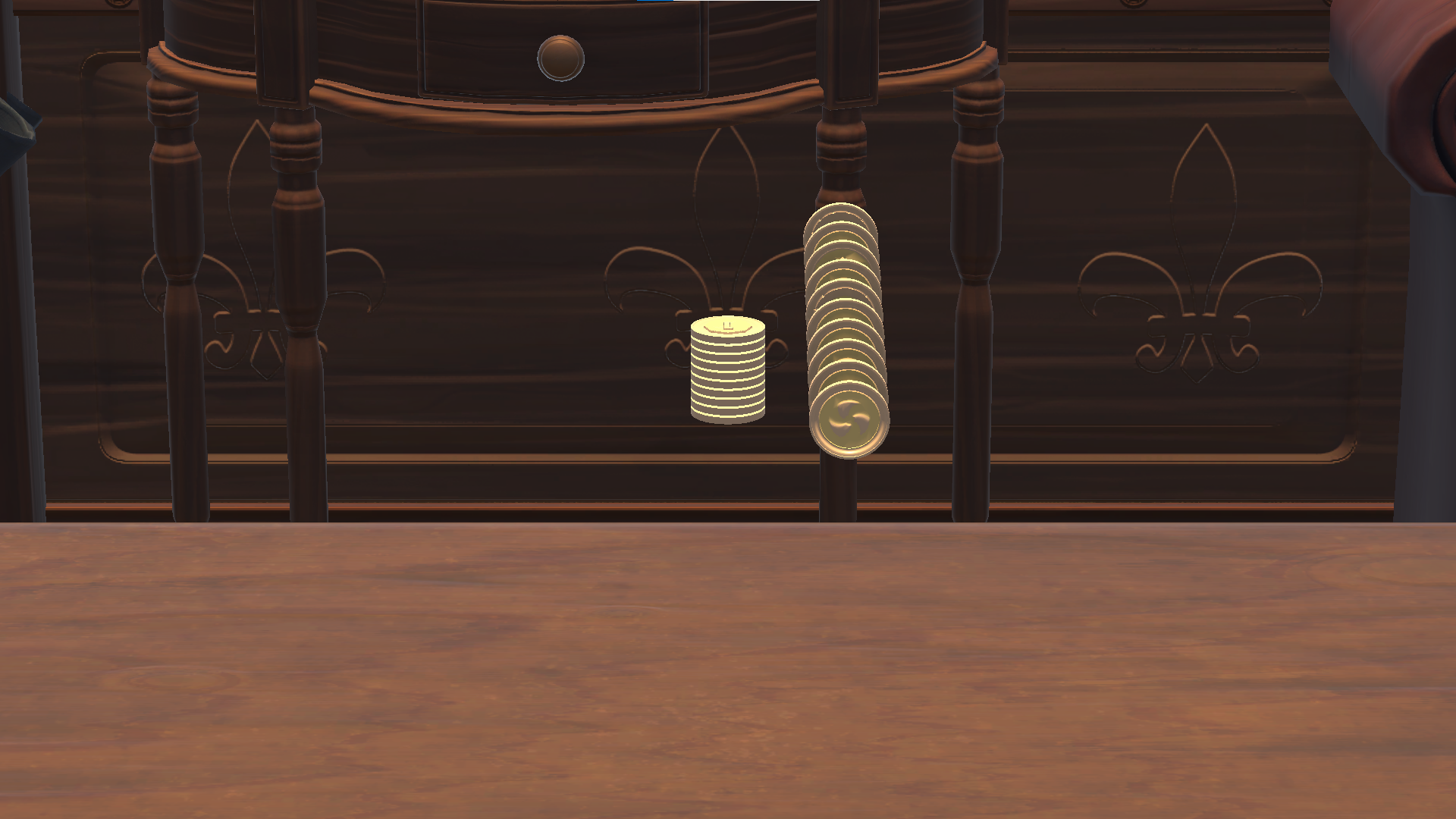
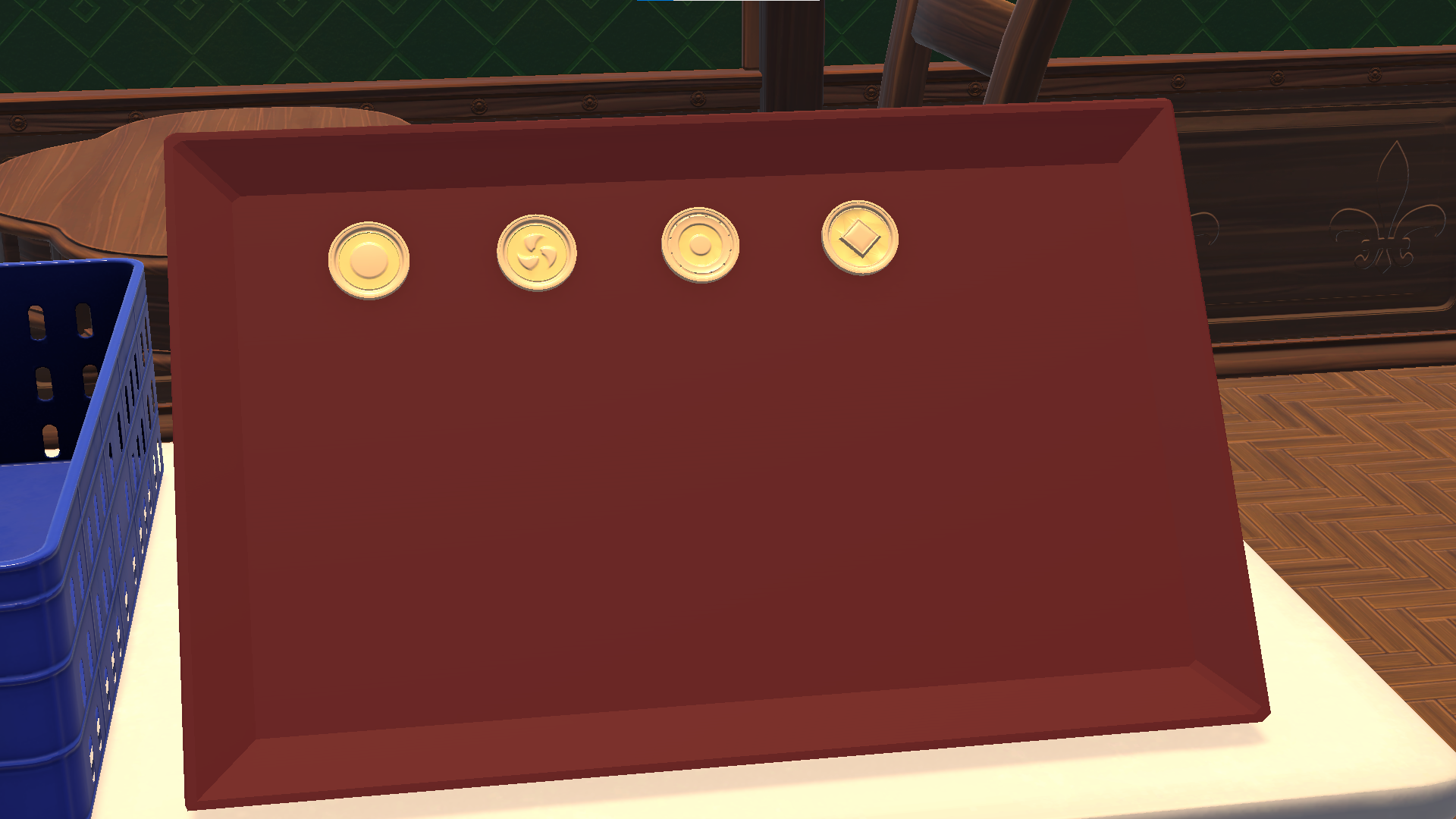
- Open: Unwrap the paper roll and let the coins spill out.
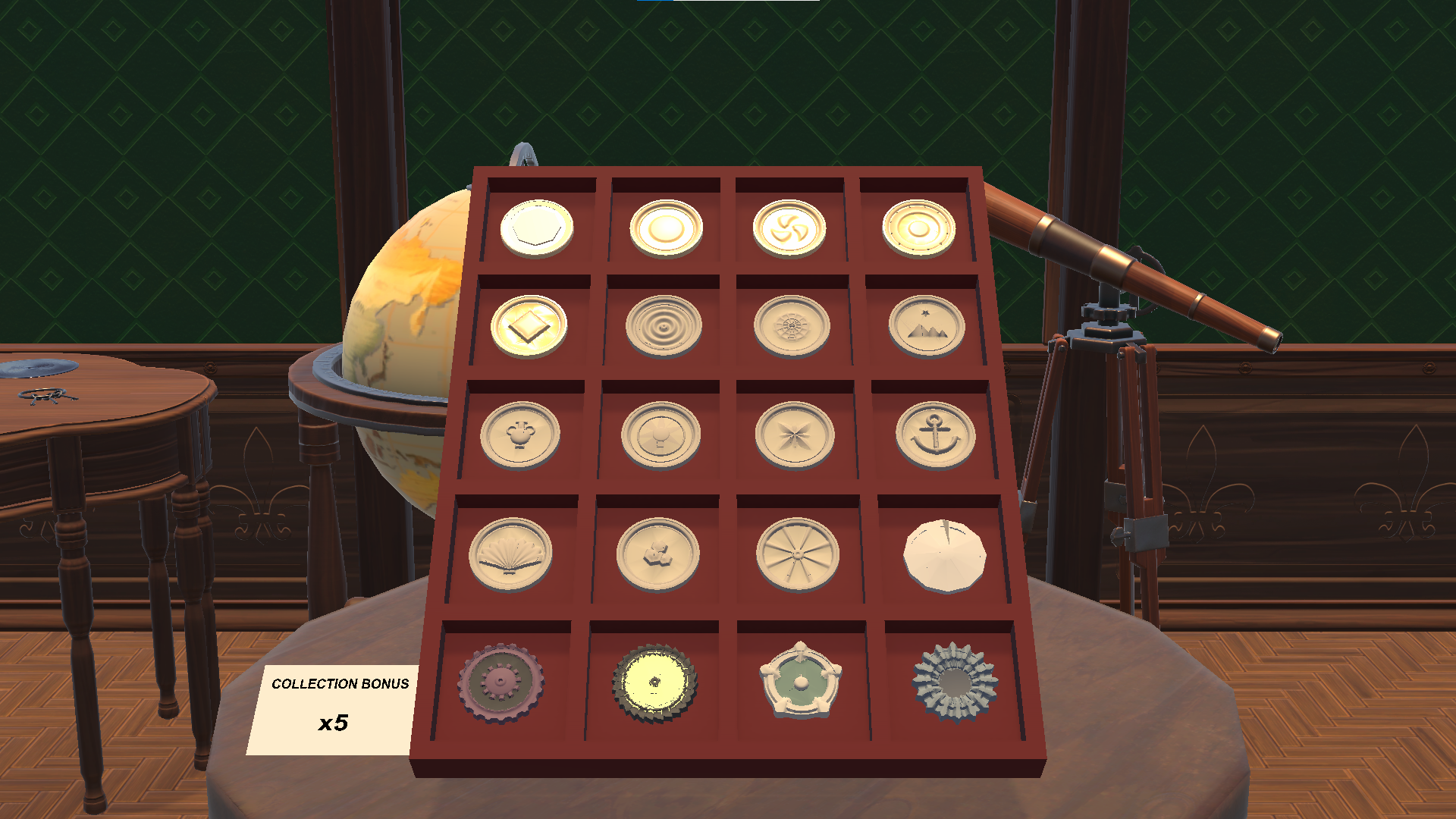
- Collect: Every coin has a rarity. Put the good finds into your collection.
- Upgrade: The more complete your collection, the better your odds on future rolls.
- Repeat: Better odds let you move up to pricier, rarer roll types.
Roll types
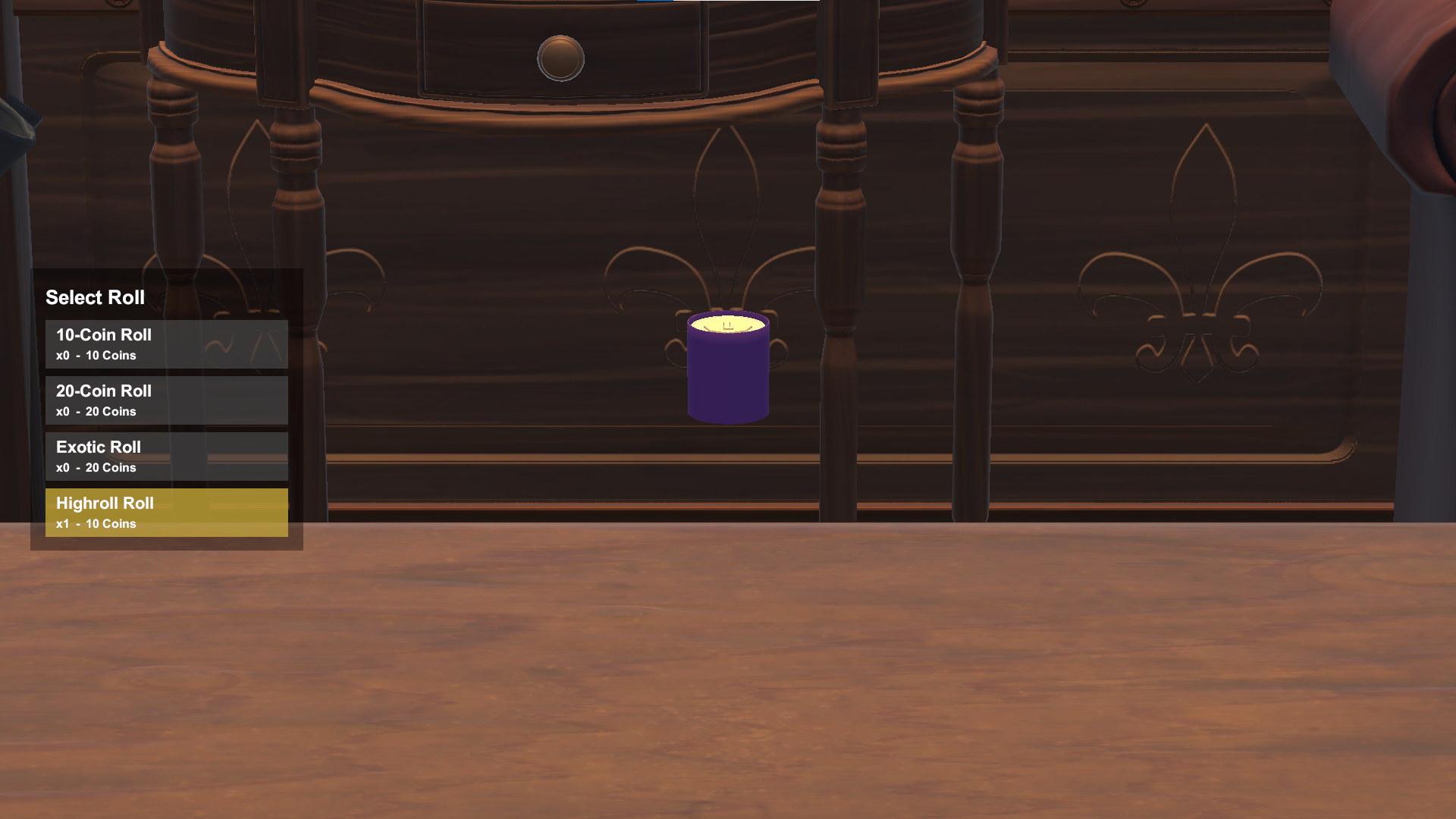
- Standard – the starting roll, 10 coins.
- 20-Coin Roll – twice as many coins per open.
- Exotic – pricier, its own shop, a better spread.
- Highroll – the premium roll: high price, stacked rarity boosts, for anyone chasing the big hit.
More features
- Order and delivery queue – your rolls arrive over time.
- Storage and collection areas to manage your finds.
- 20 different coins to complete.
- Unwrapping animation with the paper peeling away.
- Settings (audio, options) are on their own tab on the shop screen.
Prototype / early build – feedback welcome!
Controls
- A / D (or arrow keys): turn between the four stations – Opening · Shop · Collection · Storage
- W: zoom in at a station / confirm / advance
- S: zoom back out / go back
- Left click: open a roll, reveal coins, place an order in the shop, sell / collect coins
- Right click (Storage): sell all coins of one type
- In the shop: A / D switches shop tabs – including the Settings tab where audio and options live
- Esc: quit the game
Download
Install instructions
Windows only.
1. Download the ZIP.
2. Right-click it and choose "Extract All..." – extract the whole folder, don't run it from inside the ZIP.
3. Open the extracted folder and run "Coin Roll Hunter.exe".
4. If Windows SmartScreen shows a warning, click "More info" → "Run anyway".
No installation or extra libraries required. Your save file is stored in a "Saves" folder next to the .exe.
Leave a comment
Log in with itch.io to leave a comment.